
Take control of your money.
Track your expenses, understand your spending, and make smarter financial decisions—all from Spendrax, your intuitive Android app.
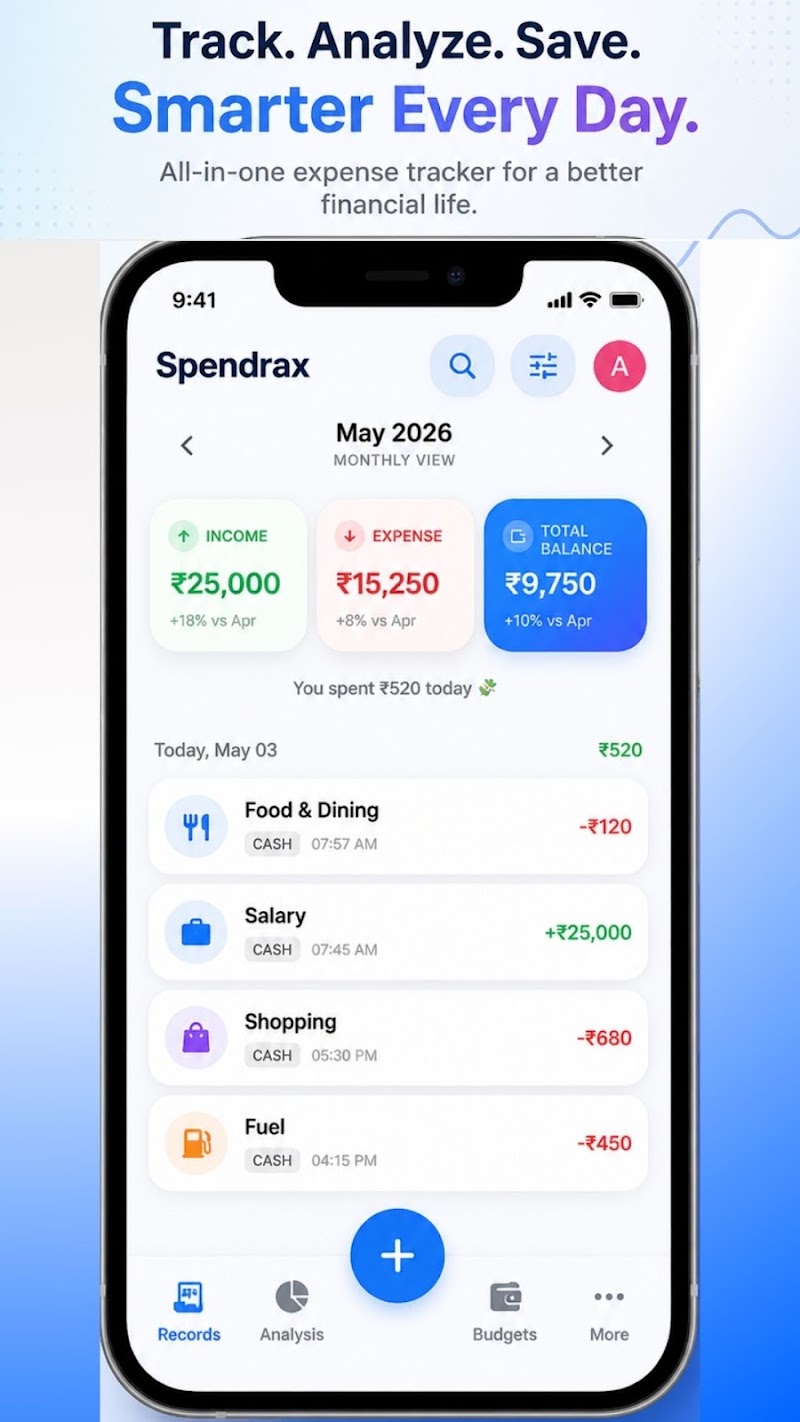
Simple • Secure • Private • Built for Everyday Spending
Privacy First
Your financial entries stay private and securely stored under your control.
Clear Insights
Instantly see where your hard-earned money goes every single month.
Simple Tracking
Record daily transactions in seconds without complicated forms or clutter.
Cloud Backup
Sync your expense logs safely so you can restore them on any Android device.
Everything you need to understand your spending
Designed to help you manage income, control budgets, and organize daily transactions effortlessly.
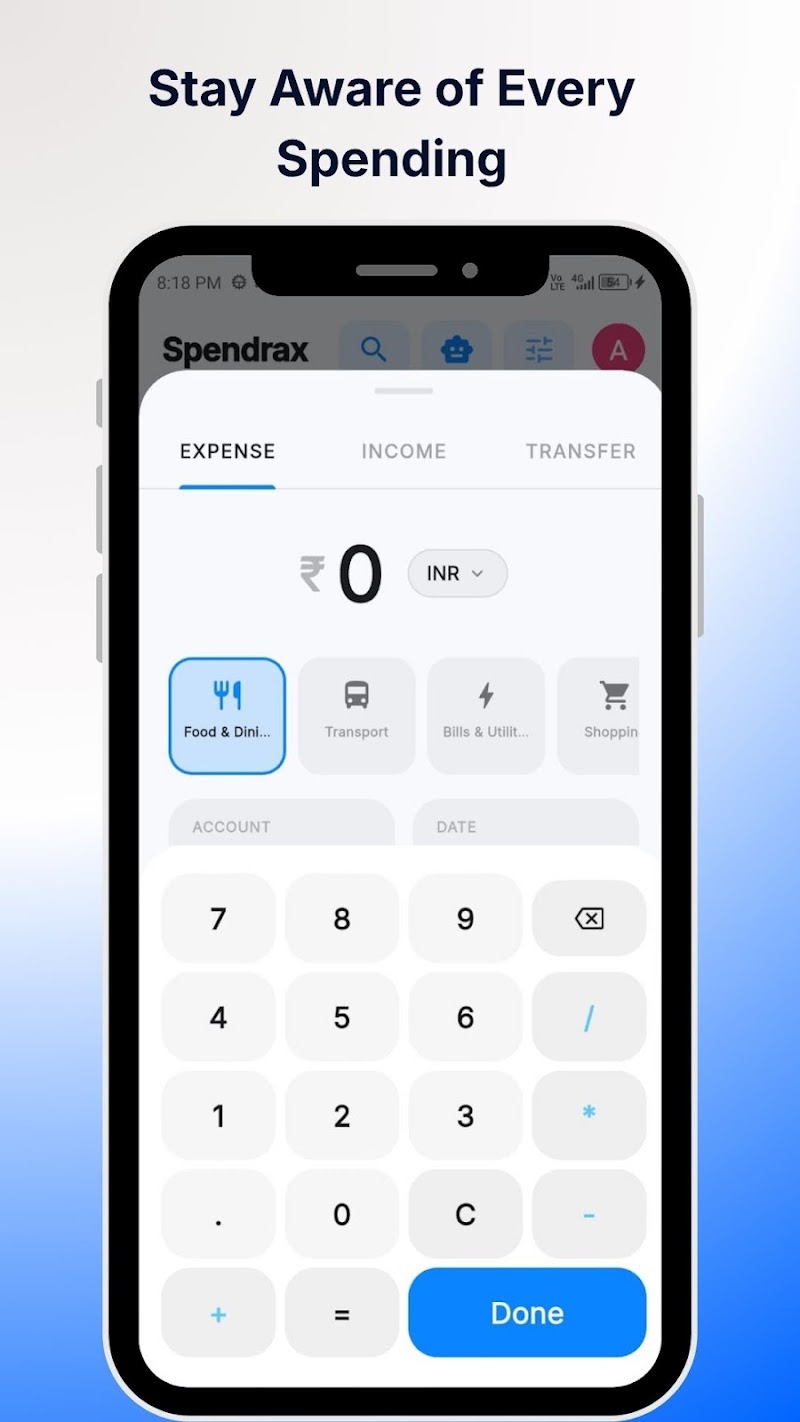
Expense Tracking
Record your daily transactions quickly with notes, dates, and payment methods.
Income Tracking
Log salary, freelance payouts, and gifts alongside expenses for a complete balance view.
Custom Categories
Organize transactions into customizable category groups with custom icons.
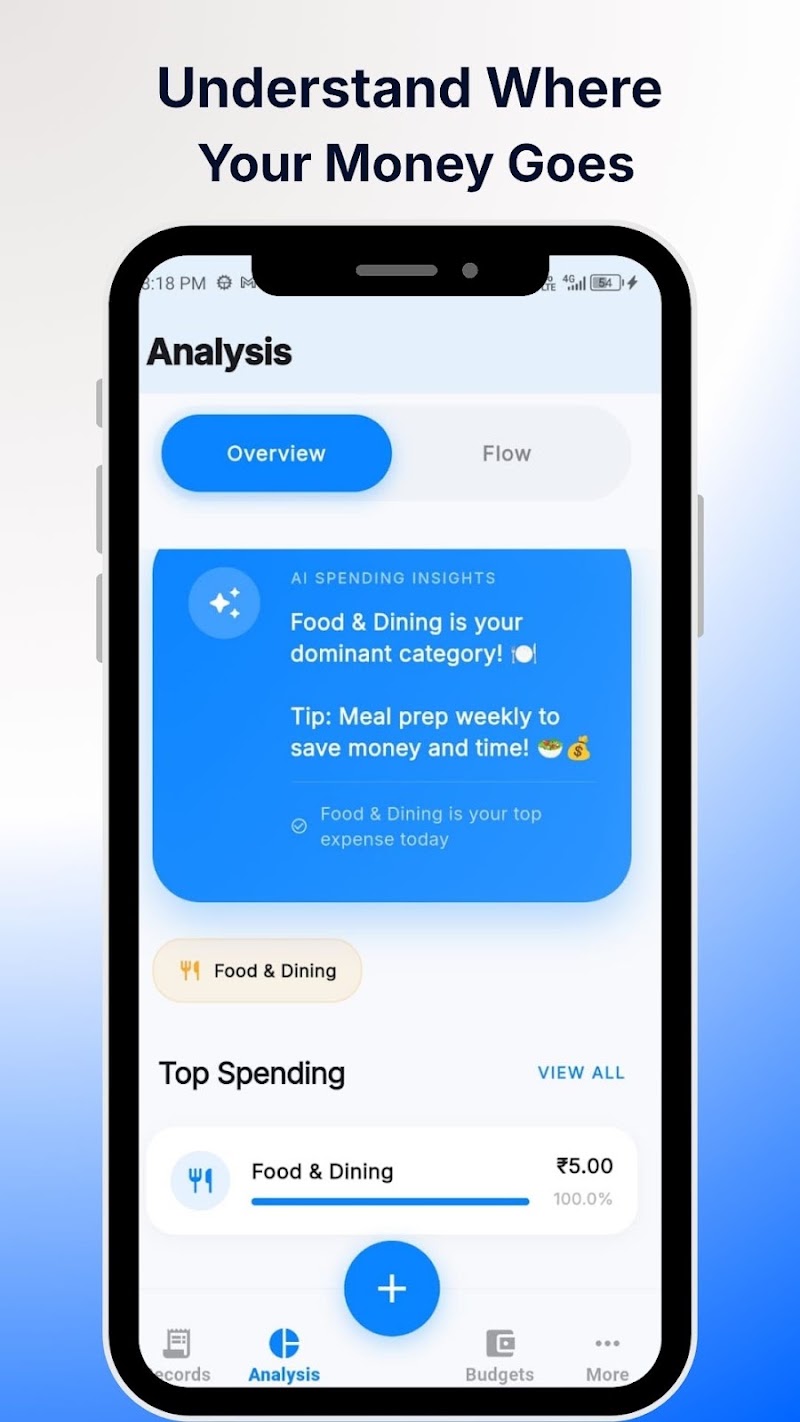
Spending Insights
Visual monthly charts breakdown income vs expense ratios and top spending drivers.
Transaction History
Filter, search, and review historical expense entries by month, category, or keyword.
Cloud Sync & Restore
Back up your data securely to our Hostinger cloud backend so you never lose your financial logs.
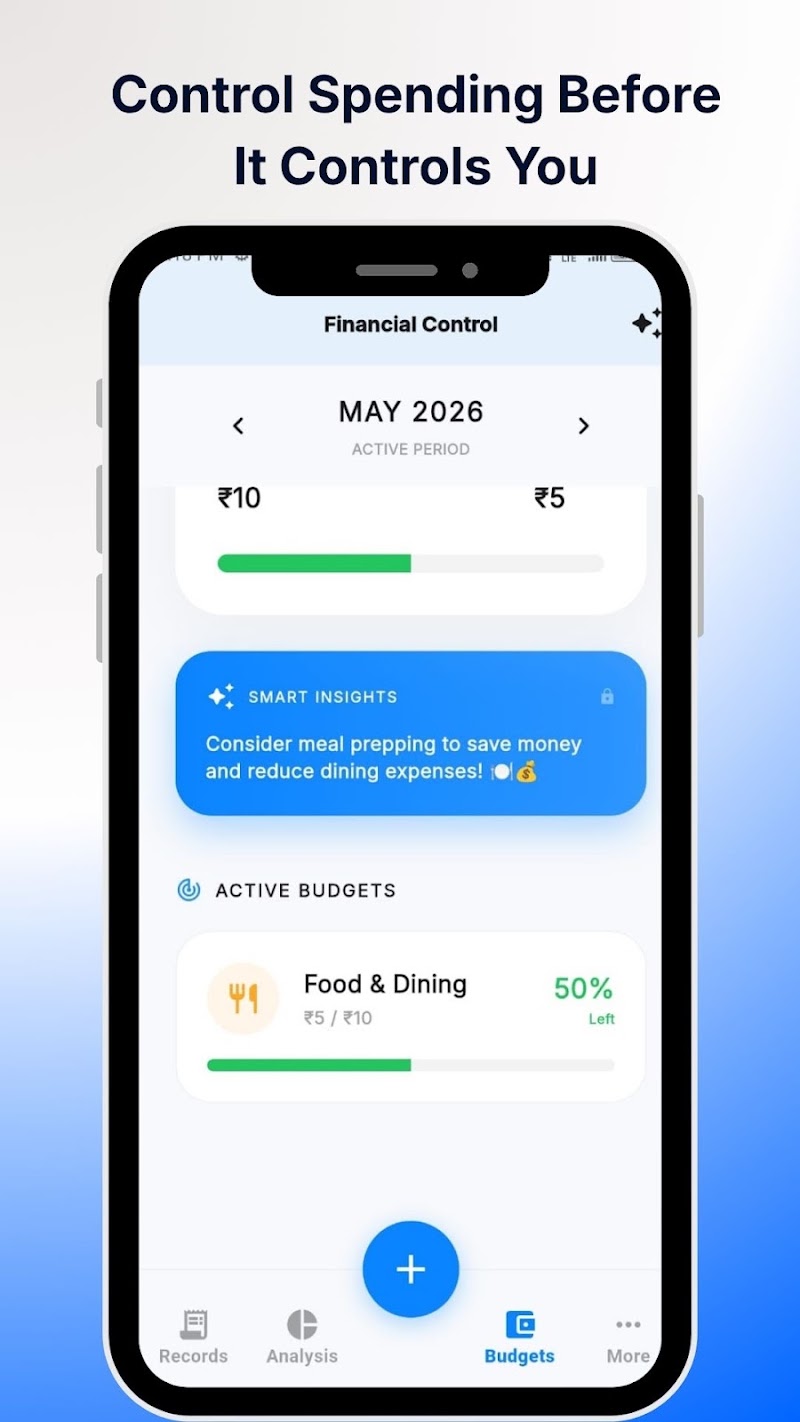
Official Play Store Screenshots
Explore the actual Spendrax interface uploaded on Google Play Store.
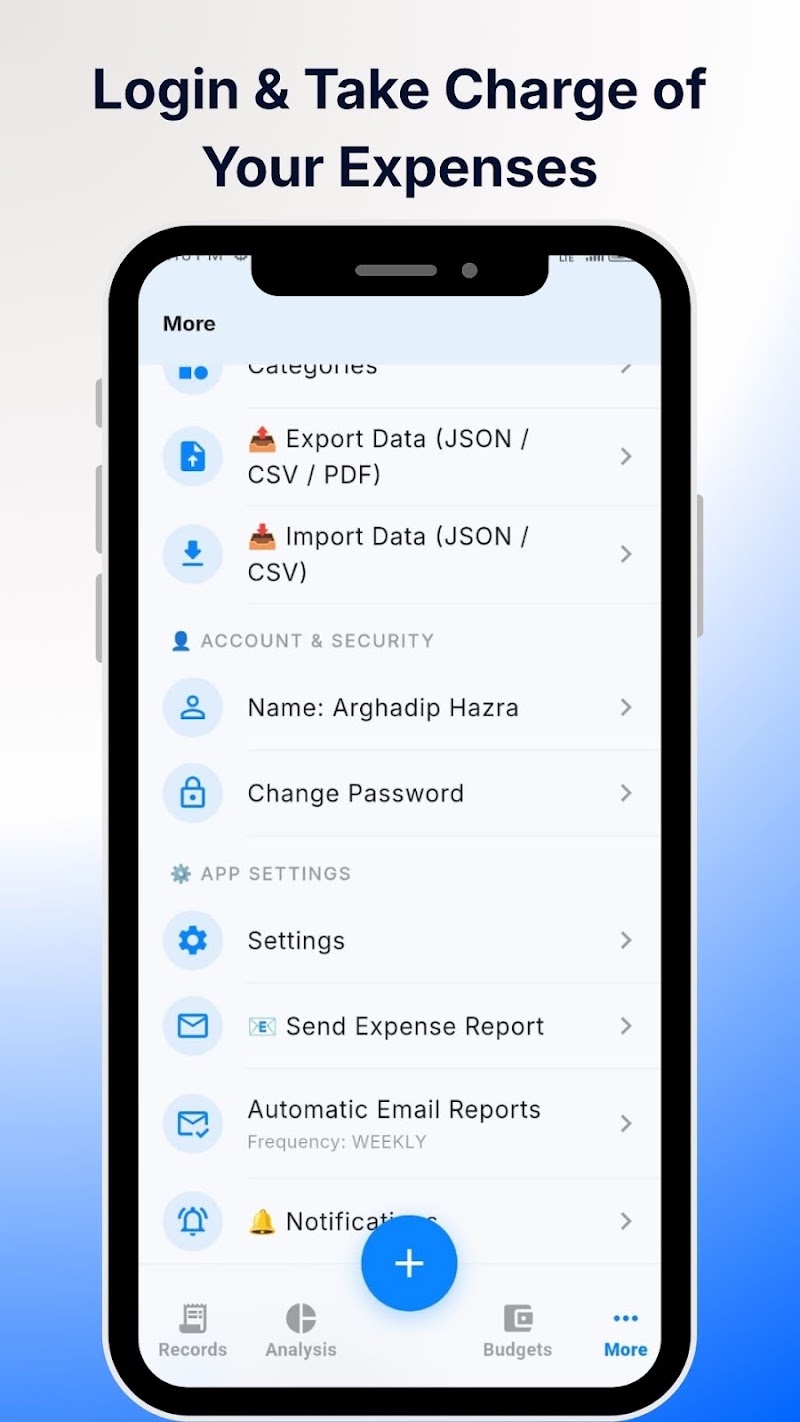
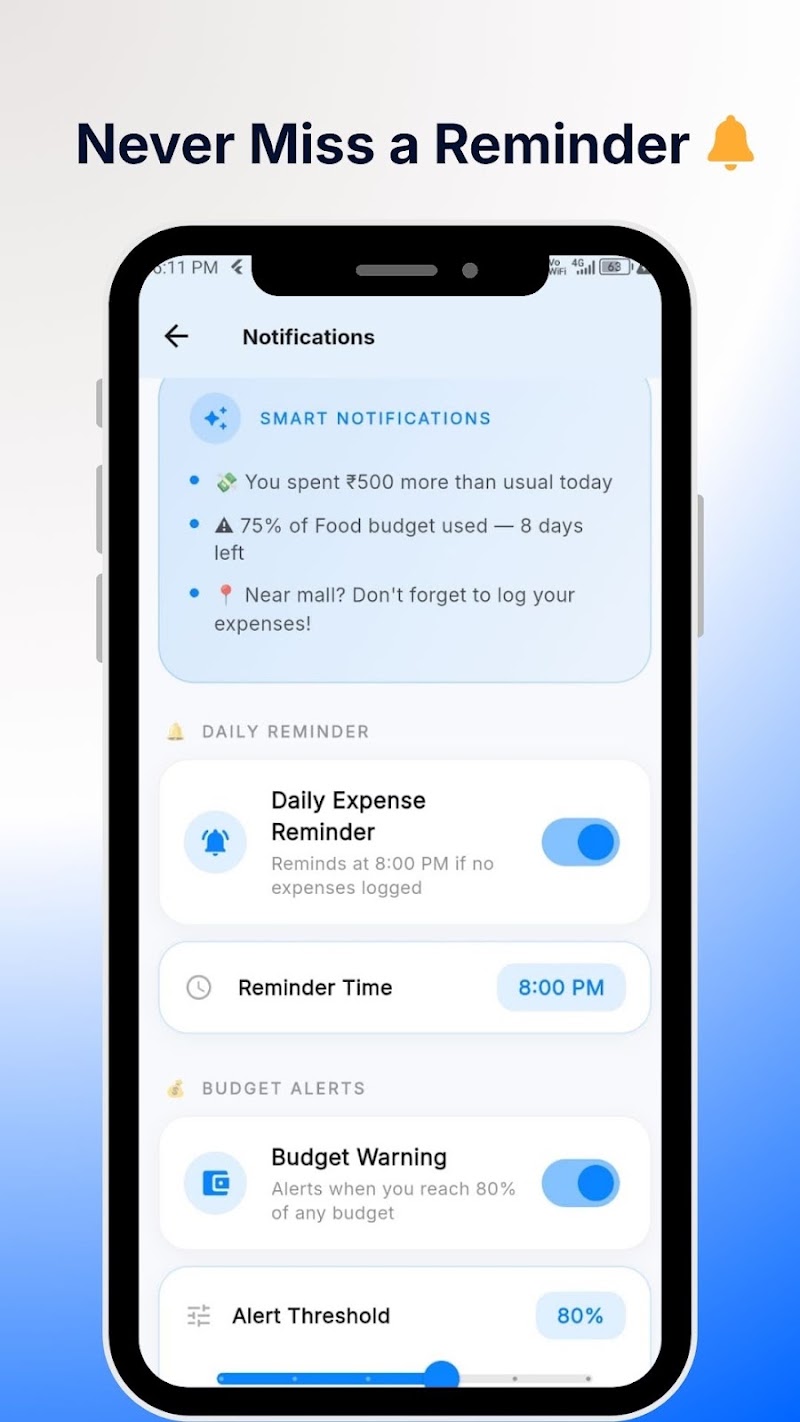
How Spendrax works for you
Start tracking your spending in three simple steps.
Add your transaction
Enter income or expense amount with a single tap as soon as a purchase occurs.
Organize & Categorize
Select a category, payment mode, and optional memo to keep things organized.
Understand your habits
Review weekly and monthly breakdown charts to pinpoint unnecessary expenses.
Your complete financial overview in one place
Spendrax aggregates all your spending metrics into an elegant, easy-to-read dashboard so you always know your exact financial health.
* Illustrative metrics overview generated by Spendrax dashboard.
Your data. Your privacy.
We believe personal financial information should be handled with absolute transparency and responsibility.
Data Privacy
We store only essential user account data needed to provide synchronization services. We never sell your personal information.
Account Security
Supports Google Authentication for seamless sign-in without storing passwords on external servers.
Flexible Data Storage
Your transactions are saved locally on your device for fast offline access and optionally synchronized to our secure Hostinger server backend.
Data Deletion Right
You maintain full control. You can request account and dataset deletion directly at any time.
Upgrade to Spendrax Pro
Choose the plan that best fits your financial management needs.
Free Edition
Essential tracking for everyday use
- ✓ Daily Expense & Income tracking
- ✓ Standard category breakdown
- ✓ Basic monthly charts
- ✓ Transaction history search
- ✕ Contains non-intrusive ads
- ✕ Cloud backup & sync
Pro Edition
Advanced insights and ad-free peace of mind
- ✓ Everything in Free Edition
- ✓ 100% Ad-free experience
- ✓ Automated Cloud Backup & Restore
- ✓ Multi-device sync support
- ✓ Advanced analytical reports & export
- ✓ Priority customer support
Frequently Asked Questions
Everything you need to know about Spendrax.
Yes! Spendrax offers a fully functional free edition on the Google Play Store that includes daily expense tracking, income logging, transaction history, and visual charts.
No, basic tracking functions locally on your device without requiring mandatory login. However, signing in with your Google account enables cloud backup and sync features.
By default, your financial data is stored locally in an encrypted database on your mobile device. If cloud backup is enabled, your data is securely backed up to our Hostinger server backend.
Yes. With cloud sync enabled, simply log into your Google account on your new Android phone to restore your full transaction history seamlessly.
You can clear local data directly inside the app settings, or submit an account/data deletion request via our Contact page or support email.
No. We do not sell or rent your personal financial entries. Third-party services are limited strictly to standard ad providers (AdMob in free version) and Google authentication SDKs as outlined in our Privacy Policy.
Start understanding your money today
Download Spendrax from Google Play and make simple expense tracking a rewarding daily habit.